Real modeling. Not a viewer.
Every step stays editable. Change the path in Design and the solid follows.
Gears, stars, vases, springs. Every one has real parameters.
Round every edge with one modifier.
Send a path from Design. It becomes a solid.
Turn a profile around an axis into a vase.
Real materials under real light.
The whole workspace. Model, sculpt, paint.
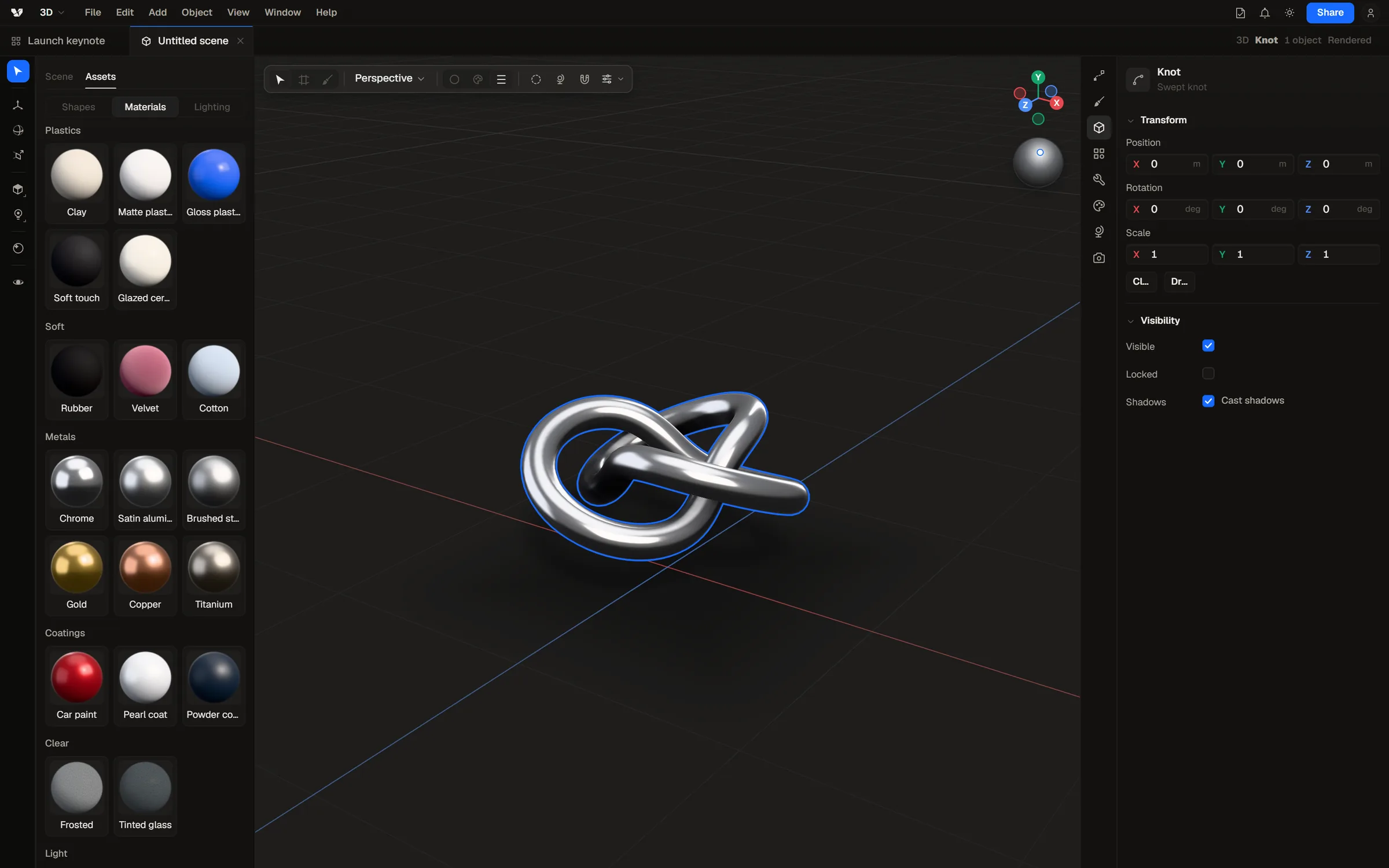
Send it anywhere. Every workspace takes it.
- DesignPlace the model or a still right on the canvas.
- MotoSend a clean cutout over and animate it.
- TemporalRender a turntable, or send the view to the timeline.
- Anywhere elseglTF with your painted maps, or a still at any size.
One app. Five workspaces, one file.
3D Model, sculpt, and paint real meshes.
Good questions. Short answers.
Is 3D a separate app?
No. It is a workspace inside Varial, next to Design, Moto, Temporal, and Shader Lab, and it comes with every plan.
Can I really model, or just view?
Model, really: modifiers, live booleans, edit mode with bevel, knife, and loops, extrude and revolve from Design paths, 3D type, and sculpting with dynamic detail.
Can I paint on models?
Yes. Paint color, roughness, and height in layers with masks, right on the model. Strokes cross seams like they are not there.
What files can I bring in?
glTF and GLB with their textures and materials, plus any vector from Design.
What can I export?
glTF with your painted maps, stills at any size, and turntable video.